

Pebbles
Your main agent. Tell it what you do and what you want off your plate, and it sets up and coordinates the rest of your team.
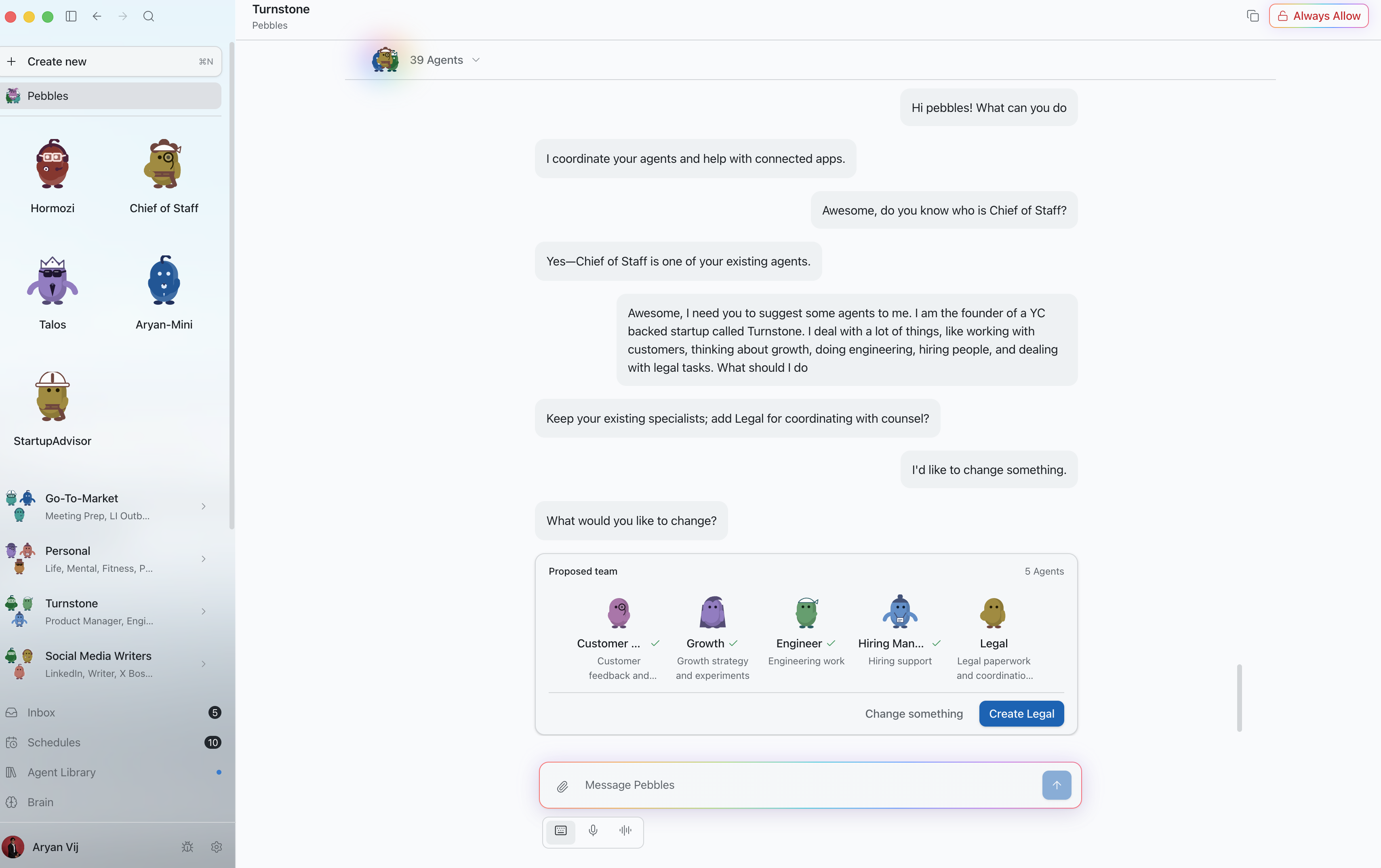
Meet your AI team, find work to hand off, and try your first prompt. Keep this guide beside you while you build.
Pick a starter prompt
Your main agent. Tell it what you do and what you want off your plate, and it sets up and coordinates the rest of your team.

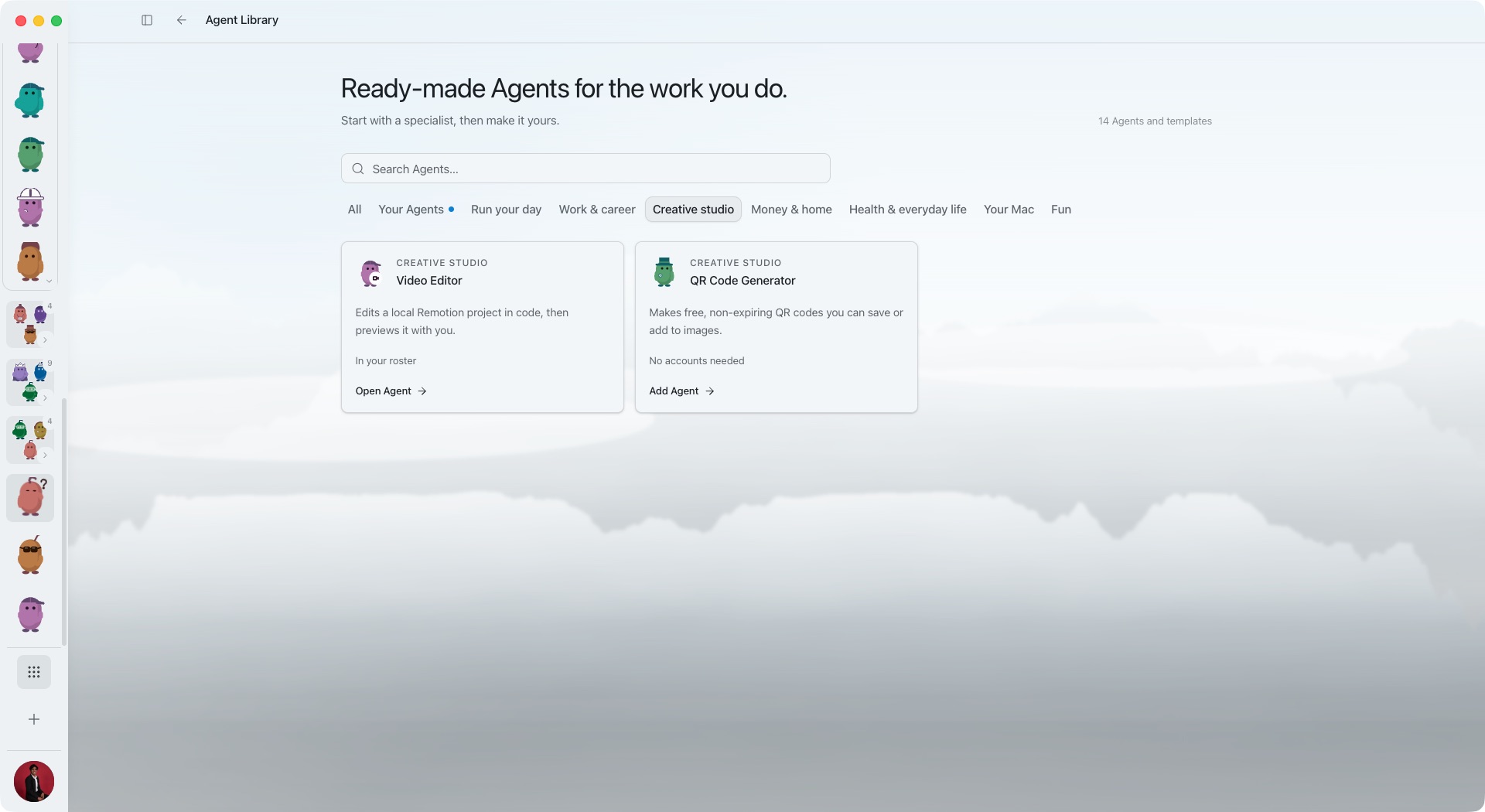
Teammates with one job each. Click Agent Library in the bottom left to start from a ready-made one, like a Chief of Staff or Financial Planner, or make your own.

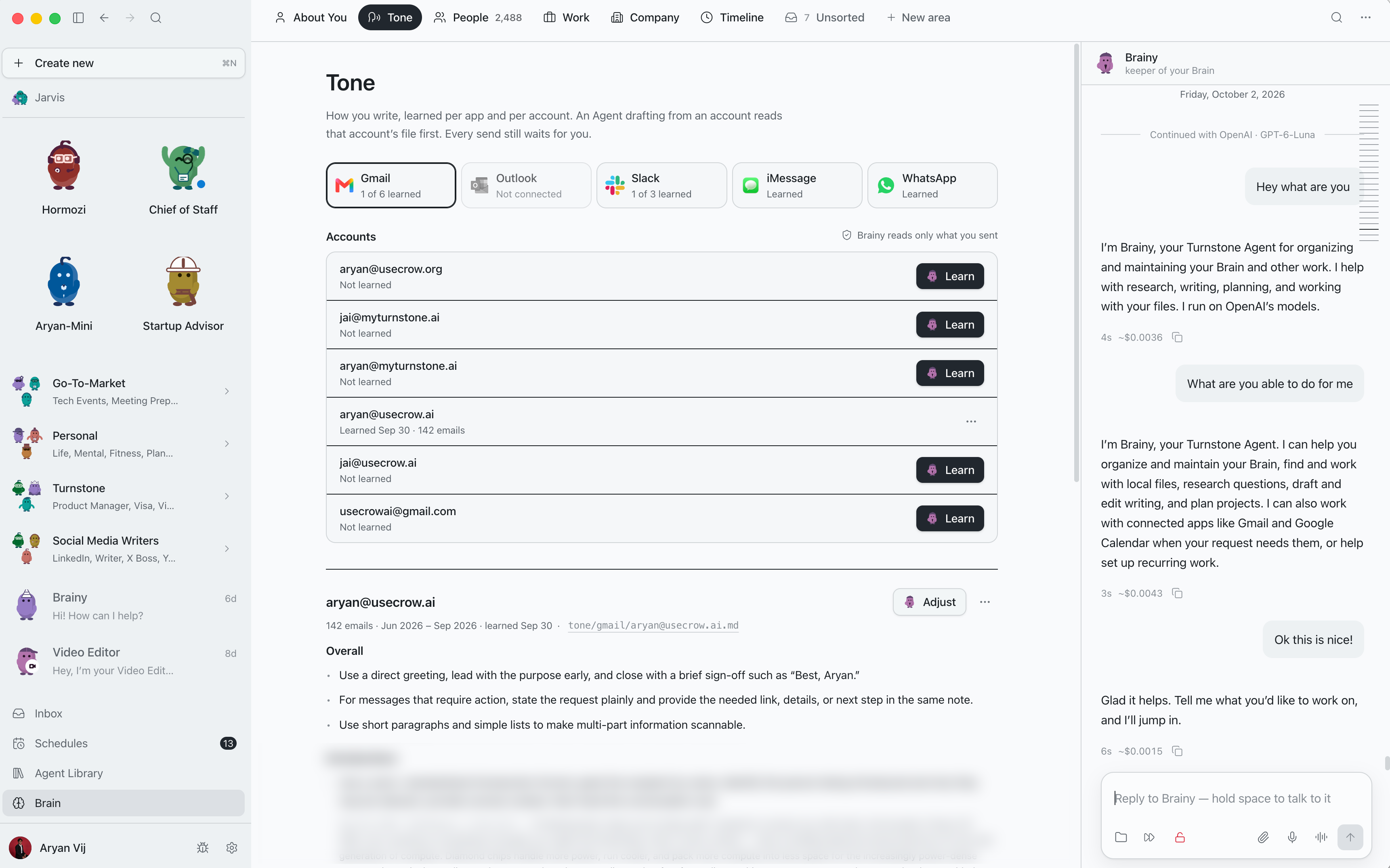
Turnstone remembers you, your people and your work, shared across every agent, so you never repeat the same background. Click Brain in the bottom left to see what it knows.

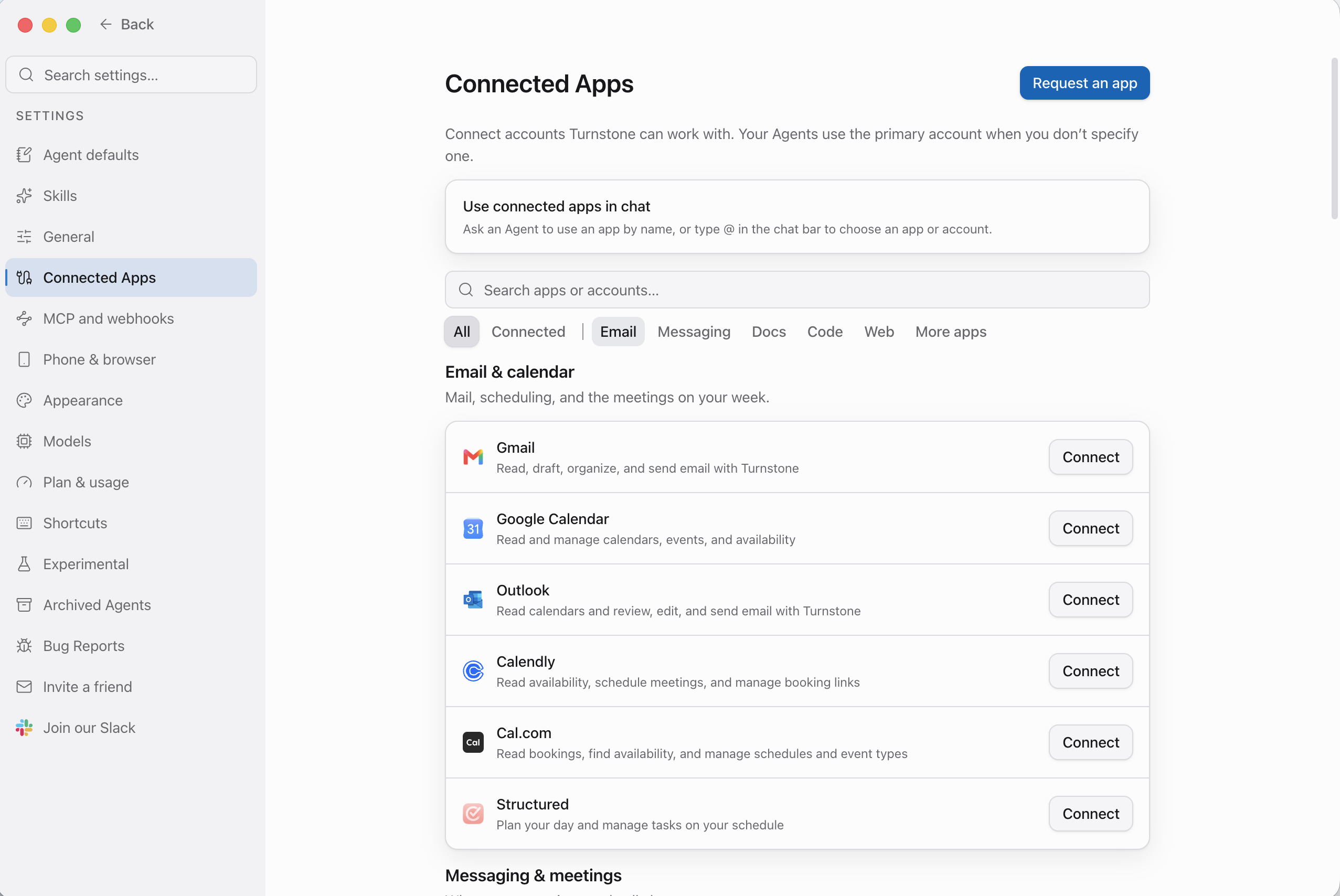
Gmail, Calendar, Slack, Notion, Drive and more. Your agents work where you already work. Click Settings in the bottom left, then Connected Apps.
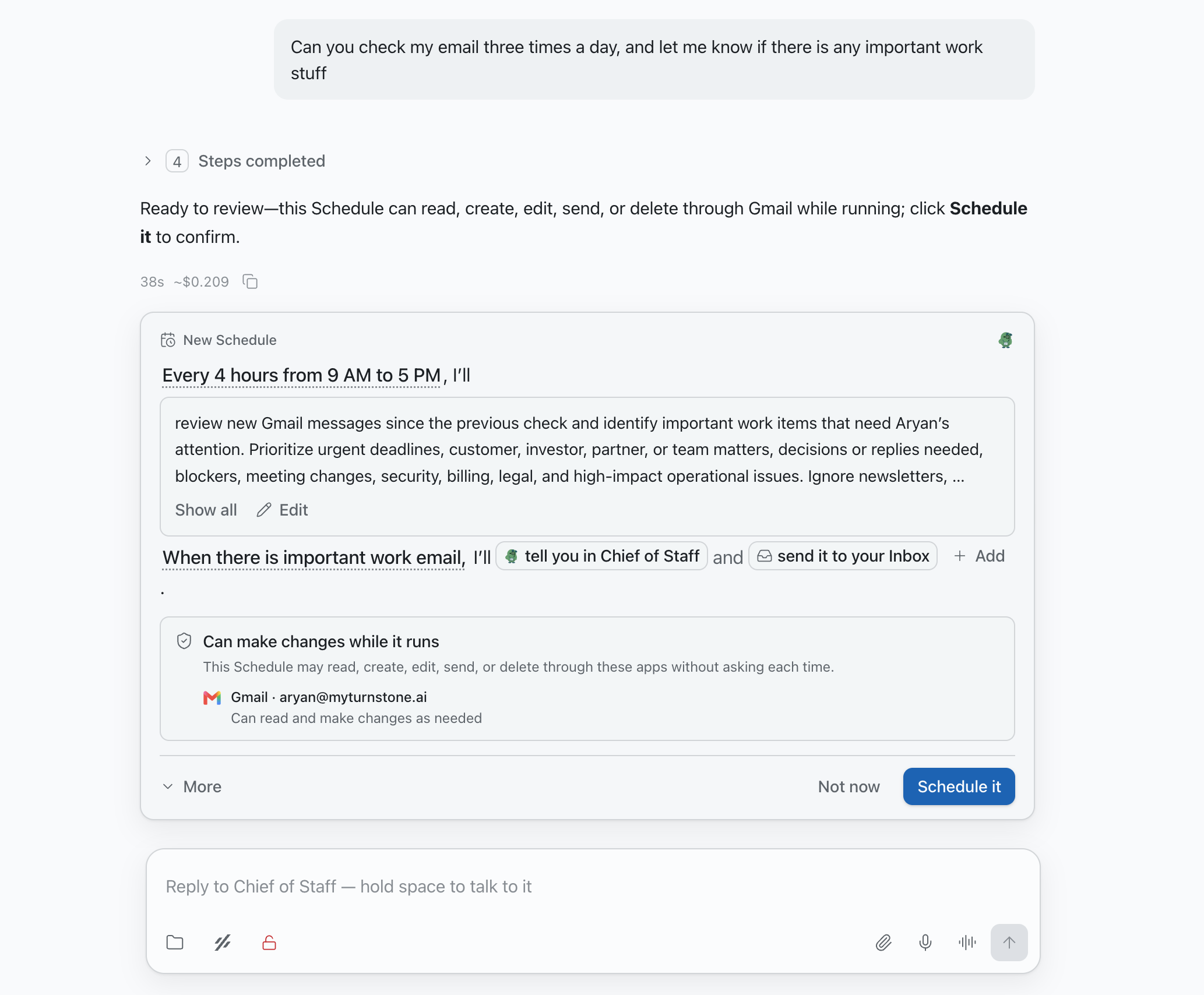
Put work on repeat. “Every Monday at 9, summarize last week’s sales calls and send it to me.”
Ask your Agent to set up the Schedule, then review its instructions and timing. Local Schedules run while Turnstone is open and your Mac is awake. Cloud Schedules can run while your Mac is offline.
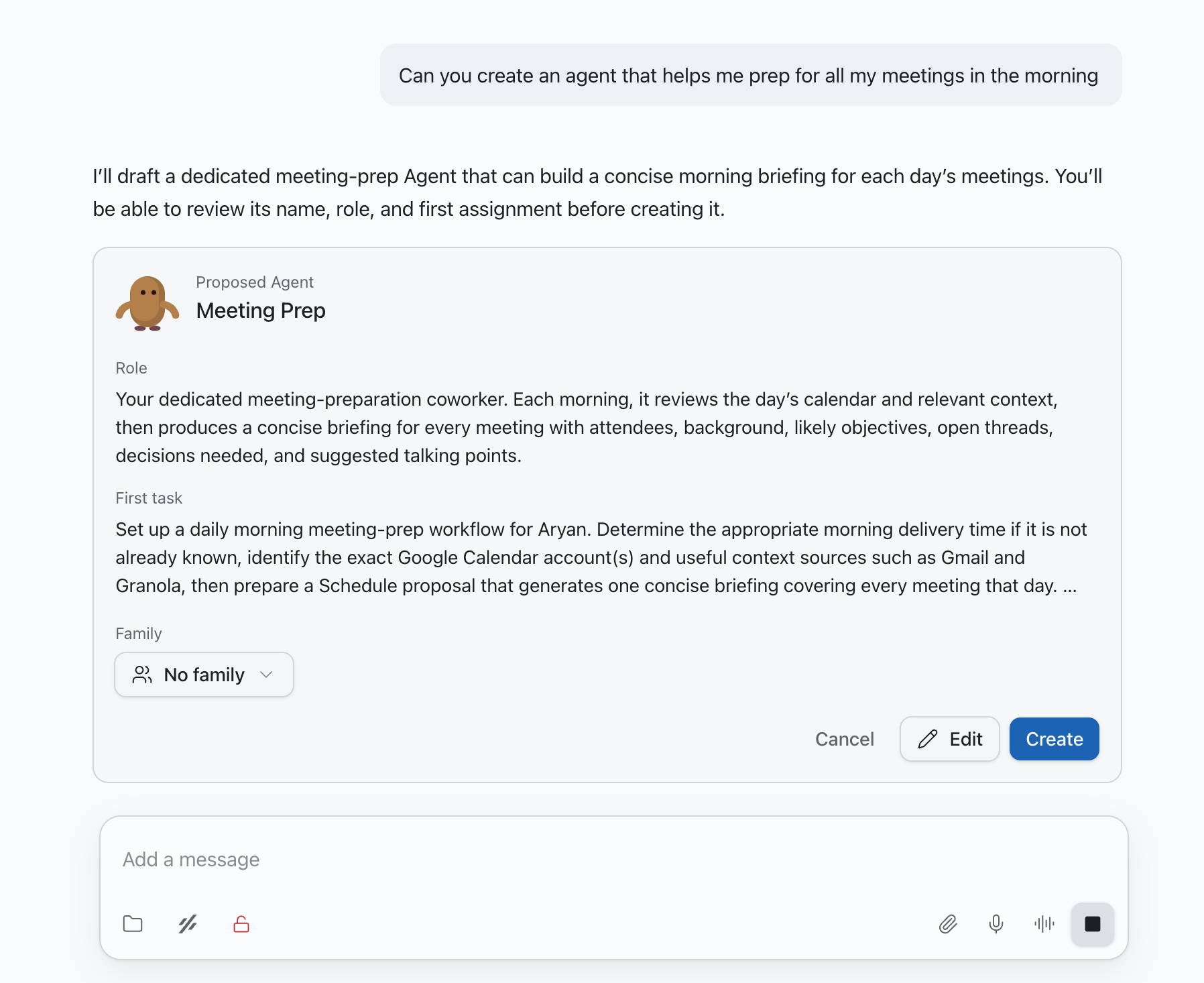
Need a new specialist? Ask an agent to hire another one, and it builds the teammate for you.
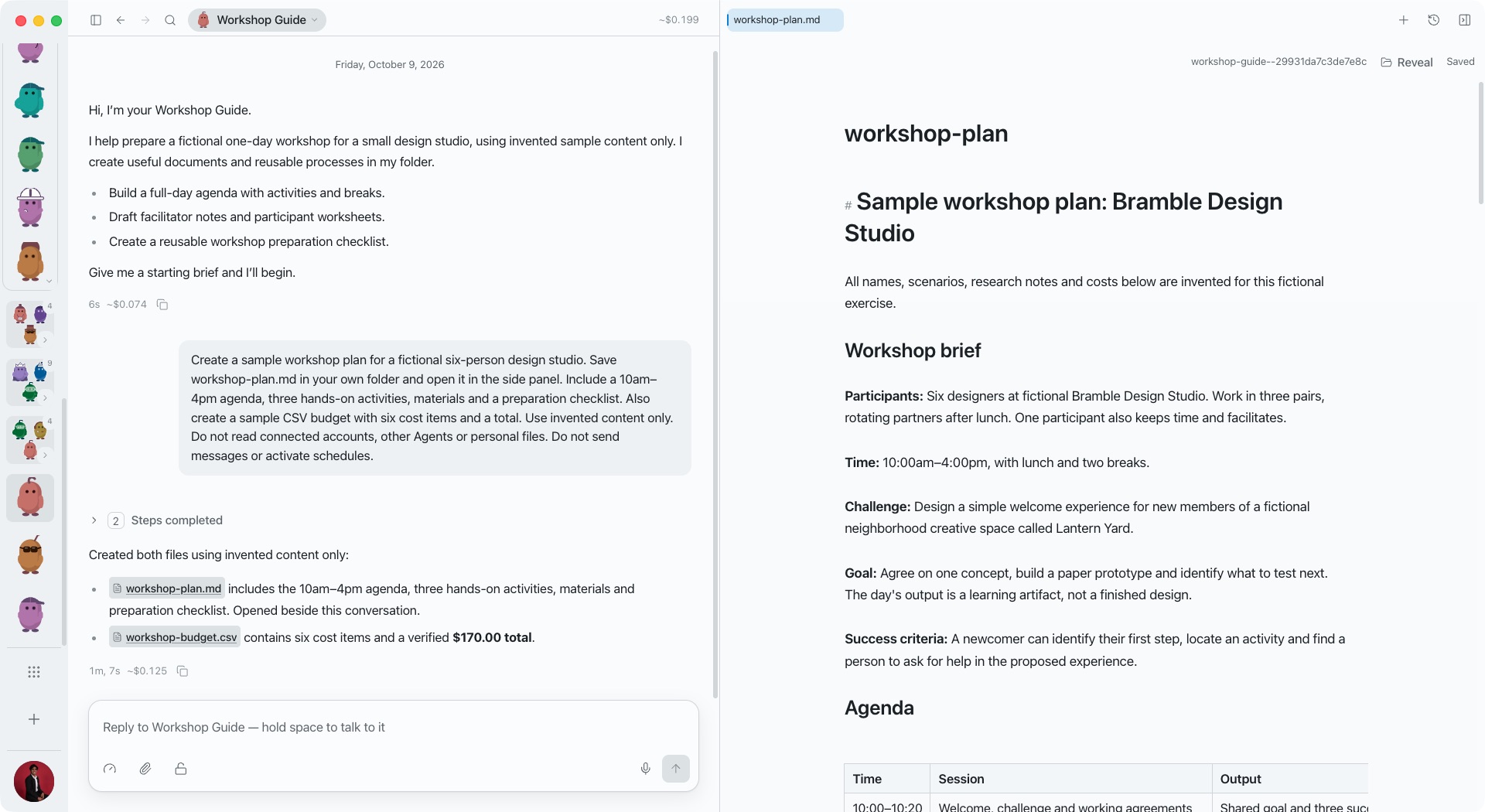
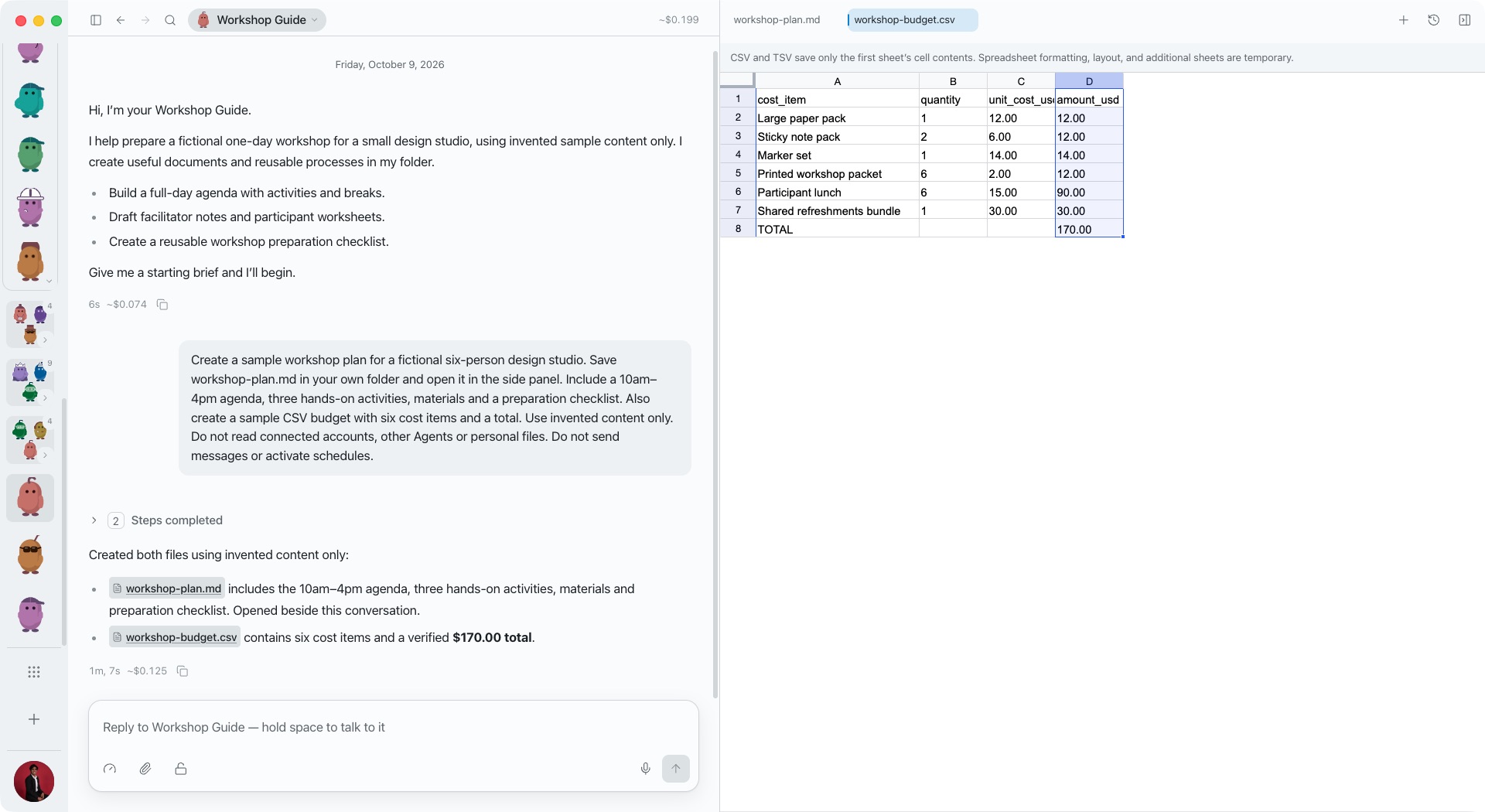
These are real examples made in Turnstone with fictional content. Give an Agent some context, then try a document, a spreadsheet and a process you can reuse.
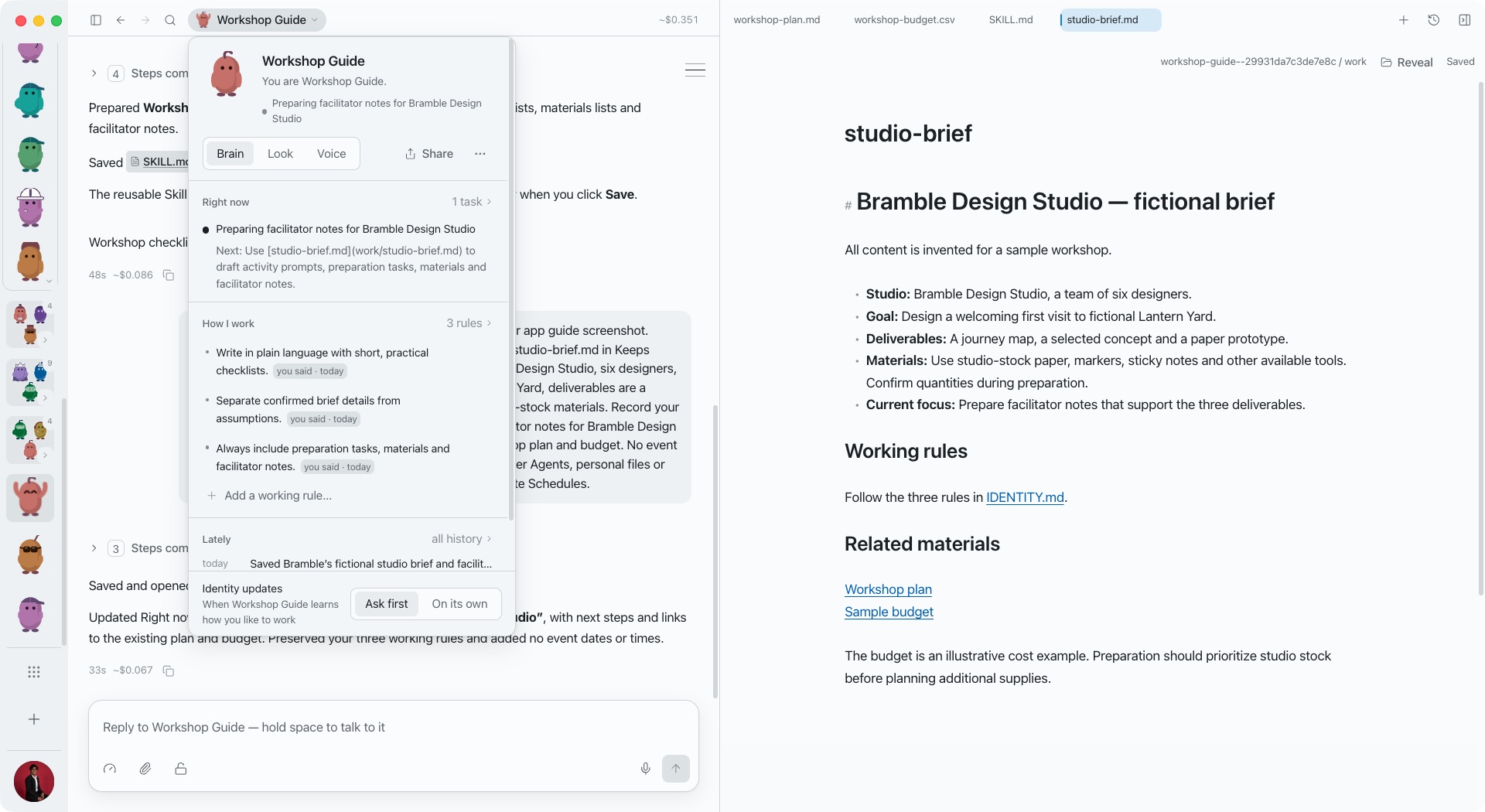
Click the Agent’s name at the top, then Brain. See its current focus in Right now, add working rules in How I work, and open saved context in Keeps. Choose whether changes to its working identity need your review.
Ask an Agent to draft a document and open it in the side panel. Read and edit the result while the conversation stays beside you.
Ask for a budget, comparison or tracker as a spreadsheet, then open it inside Turnstone. This Agent created six sample cost items and a total from one request.
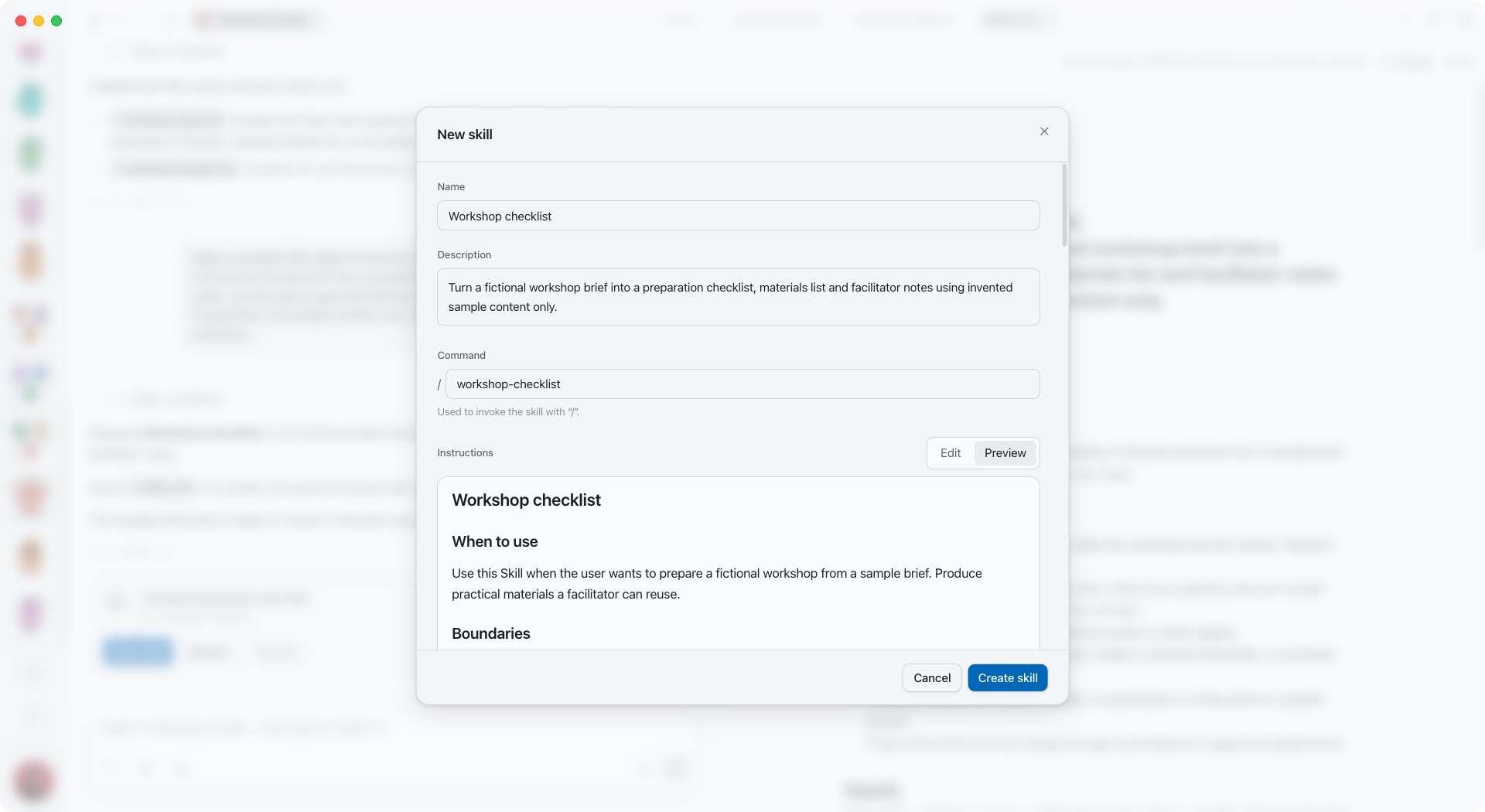
When a process works, ask your Agent to make it reusable. Review the Skill’s name, description and instructions, then save it. Invoke it again with its “/” command.
Your team can work across your files, apps and everyday tasks. Here are a few more things to try.
Pick a track, copy its prompt, and paste it into Pebbles. Make it your own.

Track 1
“Every Friday I write a status update for my clients. Build me an agent that drafts it and checks with me first.”

Track 2
“I want to start a meal prep business. Hire me a team of 3 agents to get it off the ground.”

Track 3
“Help me design an agent that remembers every customer call and briefs me before the next one.”

